Day 4
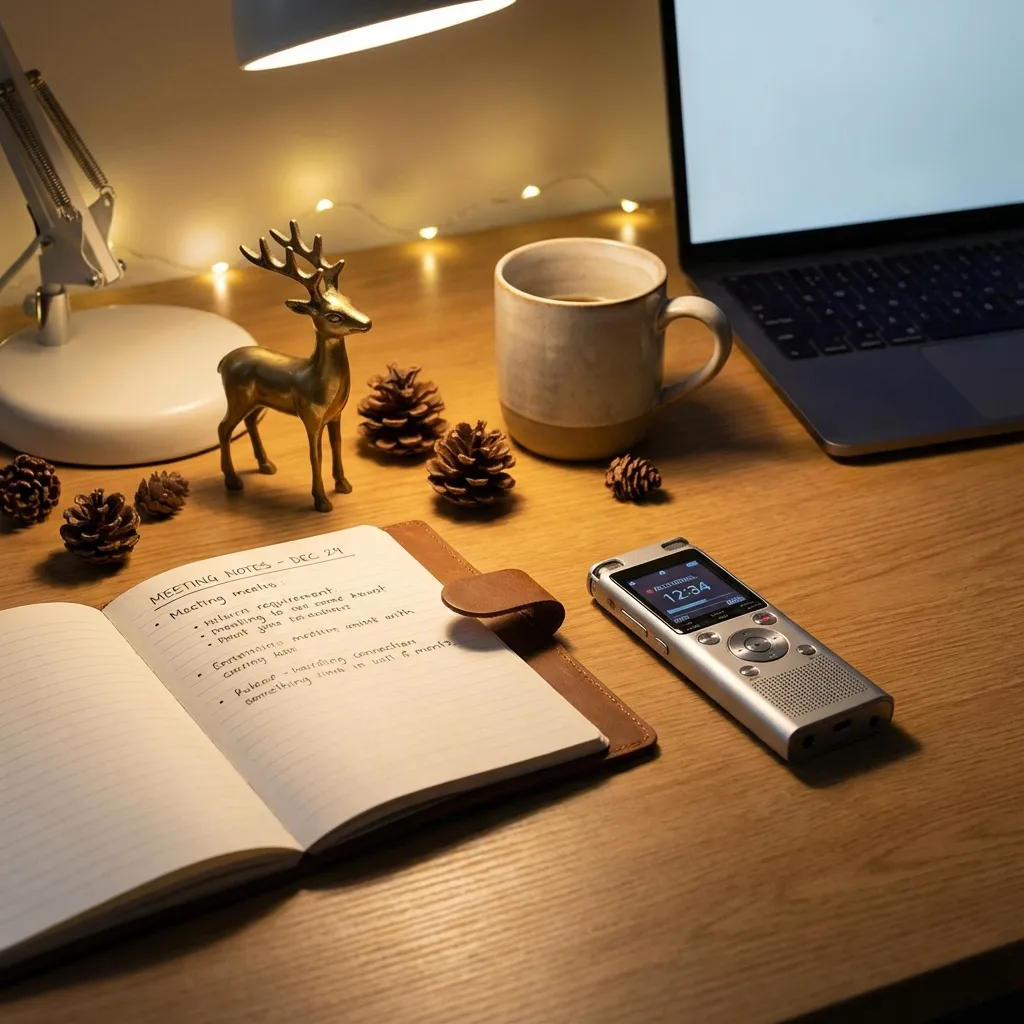
Never take meeting notes again
Automatically record, transcribe, and summarize your meetings.
Box Snapshot
How to try it today
- Pick a recorder (Meet/Zoom native, Fathom, tl;dv) and enable auto-recording + transcription.1
- Connect calendar and set rules for which meetings to join; test on a quick mock call.2
- Run your meeting as usual; announce recording for transparency.3
- Open the delivered transcript/summary email and scan decisions/action items.4
- Paste the transcript into ChatGPT with the prompt to polish decisions, owners, and follow-ups.5
- Share the cleaned summary to Slack/Email and schedule the next check-in if needed.6
One-Click Prompt
You are a chief-of-staff note taker. Input: meeting transcript + title [name], attendees [list], goal [objective], time zone [tz]. Produce a tight debrief with:
1) 2-3 sentence executive summary.
2) Decisions log: table with decision, rationale, owner, effective date.
3) Action items: table with task, owner, deadline, status (Not started/In progress), dependency.
4) Risks/blockers with suggested mitigations.
5) Unanswered questions + who should resolve them.
6) Next agenda for follow-up meeting.
7) 3 quotable soundbites (speaker tagged, timestamp mm:ss) for notes.
Use clear bullets, no fluff. If info is missing, flag it explicitly at the end.
Paste this directly into ChatGPT, Claude, or Gemini.
Tools you'll need
Reference or business tip
Employees spend 11.3 hours per week in meetings; 71% of senior leaders say meetings are unproductive; Unproductive meetings cost U.S. businesses $399 billion/year. Source: Superhuman
Today's Challenge
Set up automatic recording and transcription before your next meeting. Let it run automatically and review the AI summary afterward—notice how much clearer the action items are.